Spreadsheets vs CRM for Artists: Which Is Better for Managing Your Art Business?
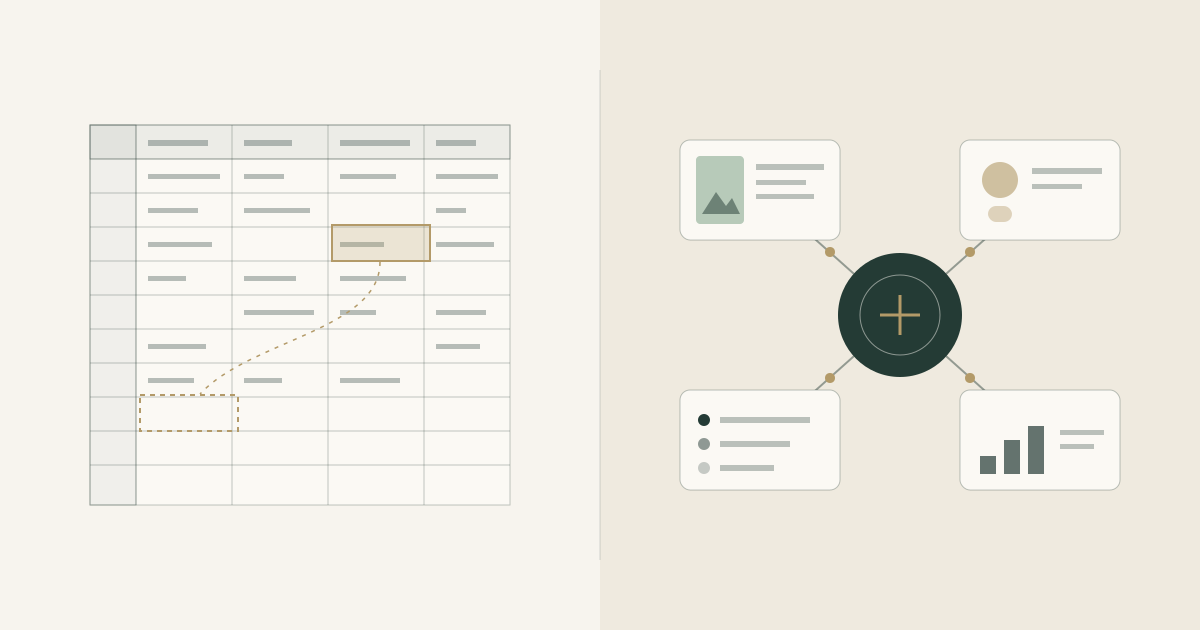
Managing an art business involves more than creating art. There are client conversations to remember, commissions to track, artwork details to organize, payments to follow up on, and deadlines to meet.
When you're starting out, a spreadsheet might be all you need. It is simple, familiar, and easy to customize. But as your commissions increase and more clients come along, keeping everything organized can become a challenge.
That's where the difference between spreadsheets and CRM software becomes important.
Let's explore which option works best for artists and when it might be time to move beyond spreadsheets.
What Is a Spreadsheet for Artists?
A spreadsheet is a flexible way to record and organize business information. Artists commonly use tools such as Google Sheets or Microsoft Excel to manage their work.
You might create separate sheets for:
- Artwork inventory and pricing
- Client names and contact details
- Commission status and deadlines
- Payments received and pending
- Business expenses and income
For artists who are just beginning to take commissions, this approach can work well.
The advantage: Spreadsheets are familiar, flexible, and useful for basic record-keeping.
The limitation: You often have to connect the information yourself, update records manually, and remember which sheet contains what you need.
As your business grows, maintaining these records can take time away from the work you actually want to do.
What Is a CRM for Artists?
CRM stands for Customer Relationship Management. It is software designed to help businesses organize client information and manage relationships.
For artists, a CRM can go beyond storing contact details. Depending on the software, it can help manage client enquiries, commission requests, project progress, communication, and payment tracking in a connected workspace.
Instead of maintaining separate records for every part of your business, you can manage related information in one place.
An artist-focused CRM is particularly useful when you handle multiple commissions, work with returning clients, or need a more professional way to manage projects and client communication.
Spreadsheets vs CRM: The Key Differences
| Feature | Spreadsheets | Artist CRM |
|---|---|---|
| Artwork inventory | Rows and columns | Dedicated artwork records |
| Client records | Manually maintained | Organized client profiles |
| Commission tracking | Manual status updates | Structured commission workflow |
| Client communication | Usually separate | May be connected to client workspaces |
| Payment tracking | Manual entries | Dedicated payment status and financial records |
| Briefs and project details | Separate documents or cells | Can be organized alongside project information |
| Reporting | Requires formulas and setup | May include built-in summaries and reports |
| Professional client experience | Depends on your process | May offer structured sharing and client-facing workspaces |
| Best suited for | Simple records and early-stage needs | Connected, growing workflows |
Features vary by software. Not every CRM includes artwork inventory, financial tools, or client-facing workspaces.
When Are Spreadsheets Enough?
You don't need a CRM simply because you're an artist.
Spreadsheets may be the right choice if:
- You handle only a few commissions at a time.
- Your client list is small and easy to remember.
- You have a straightforward payment and delivery process.
- You are comfortable maintaining records manually.
- You don't yet need a connected workflow.
The goal isn't to replace a tool that already works. It's to recognize when your current process starts creating unnecessary work.
Five Signs Your Art Business May Have Outgrown Spreadsheets
1. You keep searching for information
A client's brief is in your email, the artwork reference is in a messaging app, the price is in a spreadsheet, and the payment status is somewhere else.
Finding the complete picture takes longer than it should.
2. You forget follow-ups or deadlines
When several commissions are active, it becomes harder to remember who needs an update, which artwork is due next, and which client is waiting for a response.
3. You struggle to see your complete workload
A spreadsheet may list your commissions, but understanding the progress of every project can require manual updates and repeated checking.
4. Your client experience feels less organized than your art
Professionalism isn't just about the final artwork. Clear briefs, structured updates, accessible project information, and organized payment instructions can also shape how clients experience working with you.
5. Managing the business takes time away from creating
If you spend more time updating records, reconciling information, and searching through conversations, your system may need to evolve.
These signs don't necessarily mean you need more complicated software. They mean you may benefit from a more connected way of working.
Why an Artist-Focused CRM Can Make a Difference
Artists have workflows that general-purpose customer management tools may not fully address.
You might need to track original artwork alongside commissioned pieces, record the hours spent on a project, manage client briefs, monitor pending payments, and keep financial records organized.
An artist-focused system can bring these activities closer together.
The benefits can include:
- Better organization: Keep artwork, commissions, and client details structured.
- Clearer project progress: Understand what is requested, in progress, completed, or awaiting action.
- More professional communication: Share briefs, project updates, and payment information through a structured process.
- Improved financial visibility: Review income, expenses, and outstanding payments without piecing together multiple records.
- More room to create: Spend less time maintaining disconnected systems.
A CRM doesn't replace artistic skill, and it doesn't automatically bring in more clients. Its role is to make the business side of creating easier to manage.
Where AntiMess Fits In
AntiMess is artist business management software built to help artists organize the business behind their creative work.
Rather than treating every commission, client conversation, artwork record, and financial entry as an unrelated task, AntiMess brings key parts of an artist's workflow into a more organized workspace.
With AntiMess, artists can manage areas such as:
- Artwork records and inventory
- Commission requests and project progress
- Client workspaces and project communication
- Briefs and commission details
- Payment tracking and financial records
- Invoices, receipts, expenses, and revenue
AntiMess is designed to support the way artists manage their work and collaborate with clients. It does not collect or hold client payments; artists continue to receive payments directly through their chosen payment methods.
The aim isn't to make your art business complicated with more software. It's to give the work behind your art a clearer structure.
Less Mess. More Momentum.
How to Move From Spreadsheets to an Artist CRM
Switching systems doesn't have to mean abandoning your existing records.
Start with a few practical steps:
- Review your current spreadsheets. Identify the information you use regularly and the records that are difficult to maintain.
- Separate essential information from outdated data. Keep useful client, artwork, commission, and financial records.
- Choose a system that fits your workflow. Prioritize the features you actually need rather than selecting software with the longest feature list.
- Move gradually. Start with active commissions and current clients before migrating older records.
- Establish one reliable source of truth. Decide where new commission details, project updates, and payment records should be maintained.
Keep financial records accurate during the transition, and retain appropriate backups of important information.
Final Verdict: Spreadsheets or CRM?
Spreadsheets are excellent for getting started. They offer flexibility and make basic record-keeping accessible to almost anyone.
But when your art business involves multiple clients, active commissions, artwork inventory, deadlines, and financial responsibilities, a CRM can provide a more connected way to manage everything.
The right choice depends on how you work today and where your business is heading.
If spreadsheets are still helping you stay organized, keep using them. If maintaining them has become another job in itself, it may be time to explore a system designed around your needs as an artist.
AntiMess
Ready to organize the business behind your art?
Explore AntiMess, artist business management software designed to bring your artwork, commissions, clients, and finances into a more organized workspace.
Explore AntiMessLess Mess. More Momentum.